




Brother Sewing – Easy Product Warranty Registration with QR Codes

Introduction
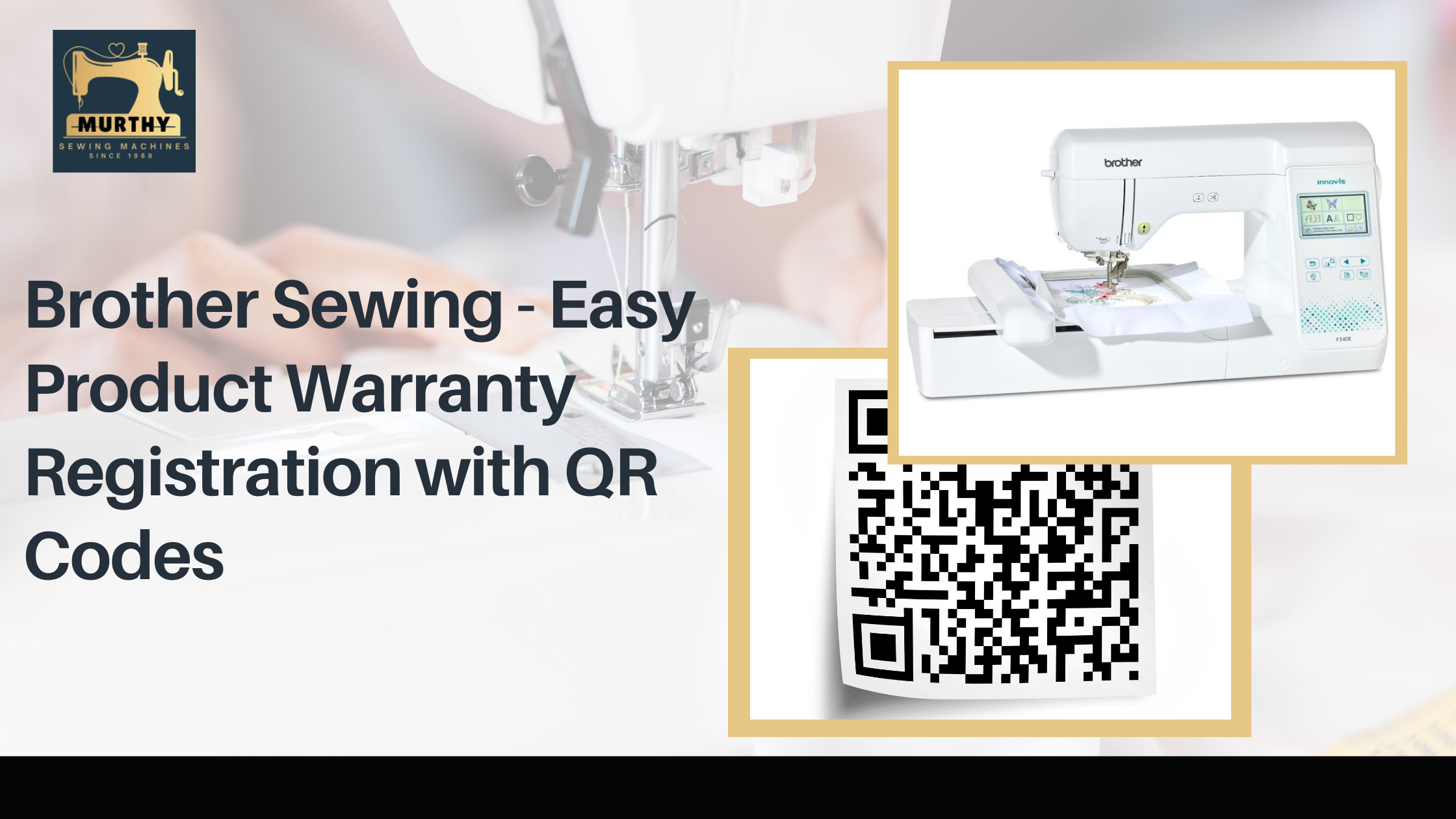
In today’s fast-paced world, convenience and efficiency are essential, especially when it comes to managing product warranties. To enhance the user experience, Brother has introduced a quick and hassle-free warranty registration process using QR codes. This smart and efficient approach ensures that customers can register their products effortlessly and access support when needed.
Whether you own a Brother sewing or cutting machine, registering your product secures your warranty coverage and gives you access to faster service, personalized support, and smooth claim processing.
Why is Warranty Registration Important?
Registering your Brother product is more than just a formality—it ensures you receive the best possible service throughout your machine’s lifespan. Here’s why it matters:
- Faster Customer Support – A registered product allows Brother to provide quick and efficient service whenever you need assistance.
- Easy Warranty Claims – If you ever need repairs, warranty registration ensures a seamless claim process without unnecessary delays.
- Personalized Assistance – Stay updated with exclusive service notifications, product updates, and troubleshooting guides for your machine.
- Proof of Ownership – Your warranty registration serves as official documentation in case of any disputes or replacements.
By registering your product, you enhance its longevity and gain priority support whenever needed.
How to Register Your Brother Sewing Machine Warranty with QR Codes
Brother’s QR code-based warranty registration is designed to be quick, simple, and user-friendly. Follow these easy steps:
Step 1: Locate the QR Code
- The QR code is typically found on the product label, instruction manual, or near the machine’s serial number.
Step 2: Scan the QR Code
- Open your smartphone’s camera or use a QR code scanner app to scan the code.
- The QR code will direct you to Brother’s online registration page (Resource Hub).
Step 3: Start Warranty Registration
- Once redirected, click on “Warranty Registration” to begin the process.
Step 4: Automatic Product Recognition
- The system will auto-fill product details, reducing manual entry and ensuring accuracy.
Step 5: Verify and Submit
- Double-check the product details and fill in your personal information (name, contact details, purchase date, etc.).
- Click Submit to complete the registration.
Step 6: Confirmation Message
- After submission, you will receive an instant confirmation message verifying your product registration.
This entire process takes just a few minutes, ensuring that your Brother sewing machine is registered hassle-free.
Benefits of QR Code-Based Warranty Registration
- Time-Saving – No more filling out long forms; scan and register in minutes.
- Error-Free Registration – Auto-filled details reduce the risk of manual entry errors.
- Instant Confirmation – Know immediately that your product is registered.
- User-Friendly – Designed to be accessible for all users, even those unfamiliar with online registration.
- Secure Warranty Coverage – Ensures fast claims and service support whenever needed.
Brother’s QR-based registration system is a game-changer, making warranty activation easier than ever.
Alternative Ways to Register Your Brother Product
While QR codes offer the fastest method of registration, Brother also provides alternative ways to register your product:
1. Online Registration
- Visit the official Brother website, navigate to the product registration page, and manually enter your machine’s details.
2. Customer Support Assistance
- If you don’t have access to the internet or QR scanning, you can call Brother’s customer service for assistance with manual registration.
These options ensure that all Brother customers can register their warranties—whether they prefer a digital or traditional approach.
Why Brother’s Warranty Registration System Stands Out
Brother’s commitment to customer convenience extends beyond their products—it’s also reflected in their support and service policies. Their QR code-based registration is part of a broader initiative to provide:
- Hassle-Free Service Access – Instant registration means Brother can track and support your product more efficiently.
- Automated Data Entry – Reduces the need for lengthy manual forms.
- Paperless Process – No physical documents required, making it environmentally friendly.
- Personalized Product Support – Get customized assistance based on your registered product.
By making warranty registration quick and easy, Brother ensures that every customer gets the best possible support.
Conclusion
Registering your Brother sewing or cutting machine has never been easier, thanks to QR code-based warranty registration. This modern, time-saving approach ensures that you get faster service, easier warranty claims, and enhanced customer support.
By simply scanning a QR code and submitting your details, you secure hassle-free access to Brother’s warranty benefits, allowing you to focus on your creativity without worrying about technical issues.
So, the next time you purchase a Brother sewing machine, take a few minutes to register it via QR code—because ensuring seamless support and peace of mind is just a scan away!